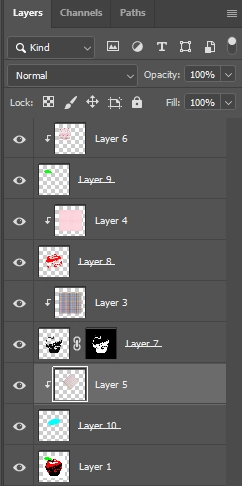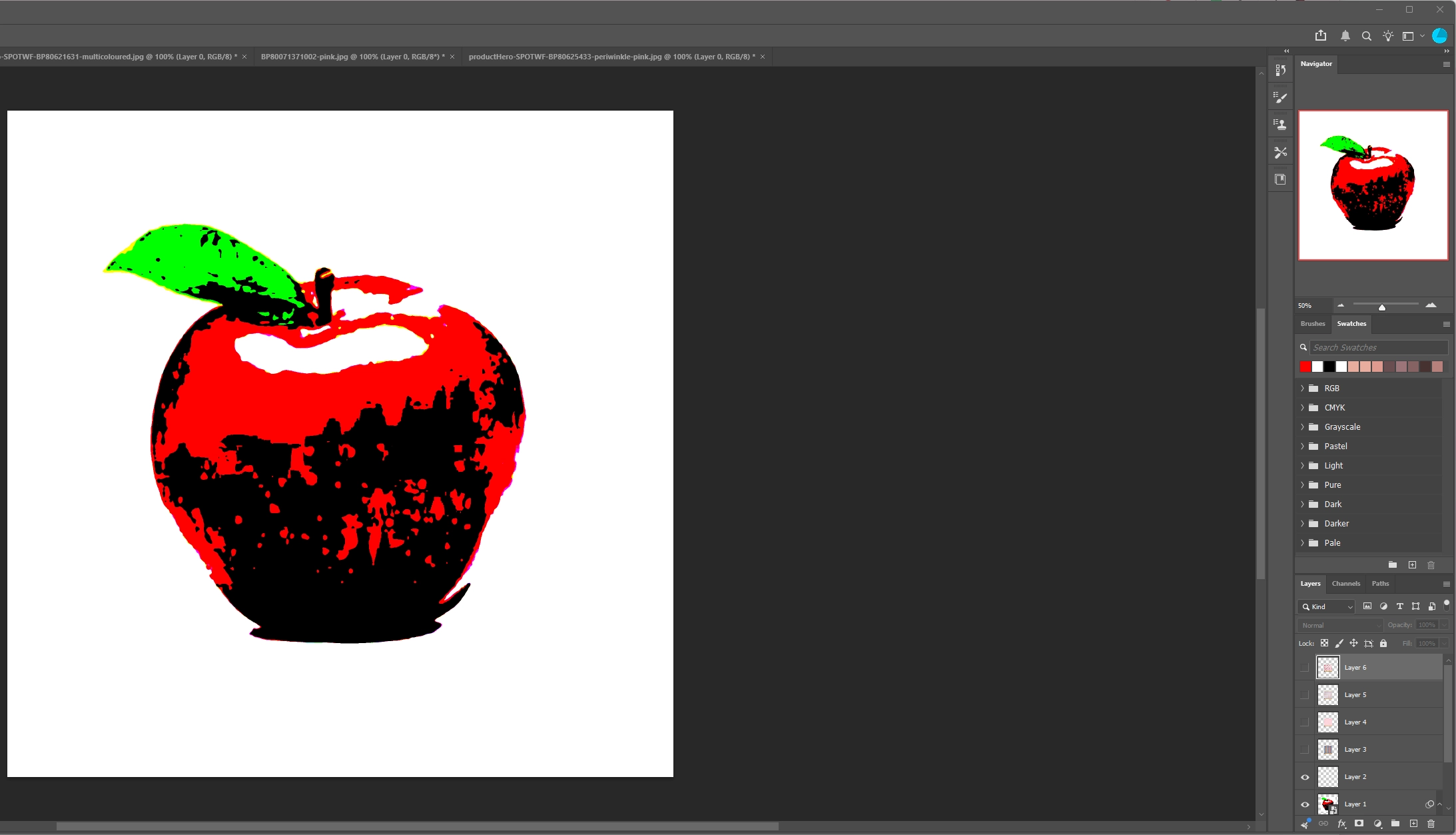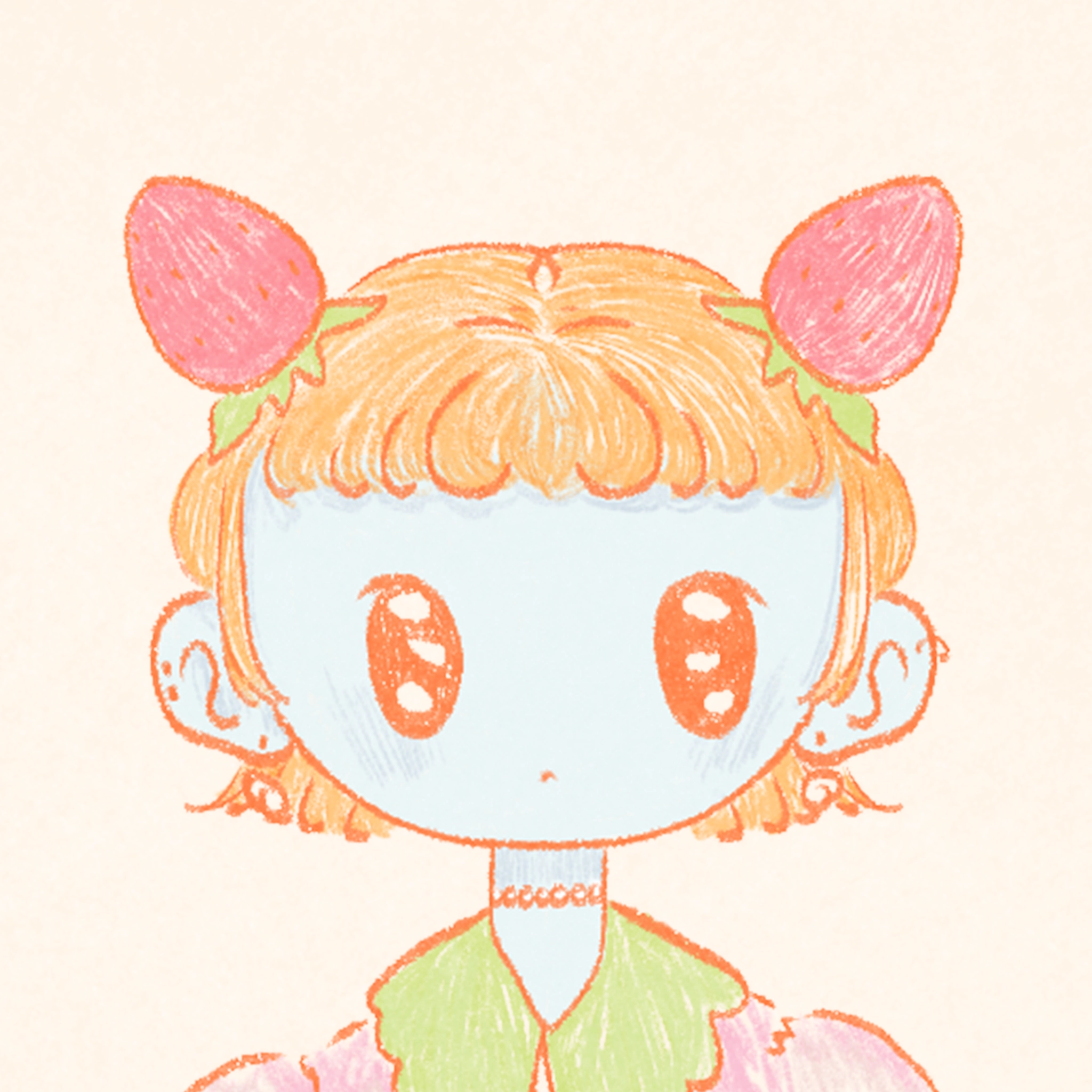
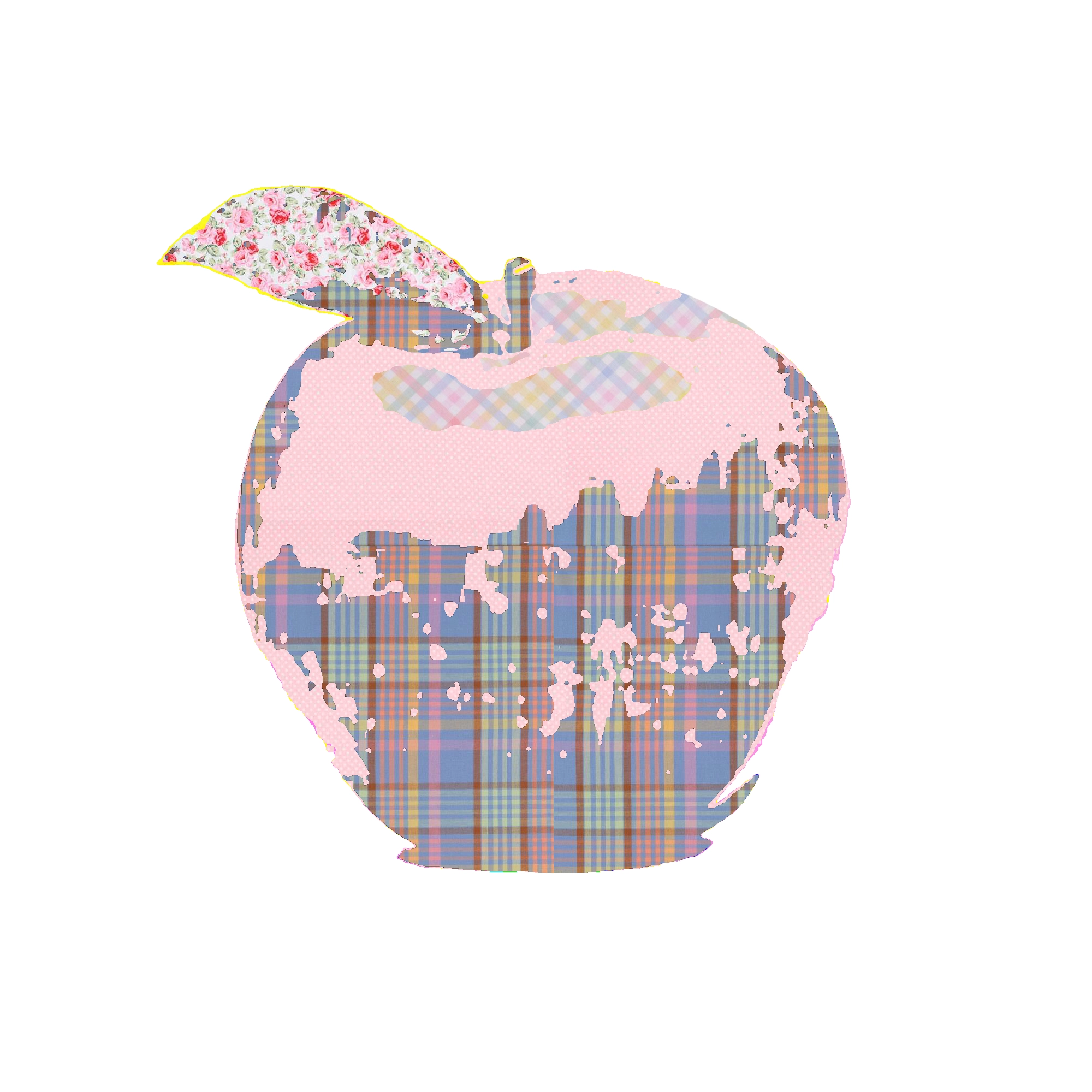
2d composite
notes
Moving on from the generative AI experimentation, I decided to use collage/scrapbooking as an aesthetic throughline for all future experiments. I spent much of my childhood scrapbooking and making cards, nurtured by my craft-inclined mum and aunt. I also began to ponder the ongoing discussion surrounding art versus craft in the creative community: where does art end and craft begin? Furthermore, as crafts have been historically been considered "women's work," as well as being popular among disabled and chronically ill people, there is a radical aspect to the medium that I find myself being drawn to again and again. Here, I continued using a limited colour palette, as I wanted to use lots of clashing, repeditive patterns and didn't want to overwhelm the work. I feel keeping the palette within the same approximate value range creates the balance and unity that would be missing if there was a greater variety of saturations and values.
 home
home